


Mariner Pro
The owner app. Included with every management program.
Most owners find out what happened to their boat by asking. This is where the answer already is, put there by the people who were standing on the deck.
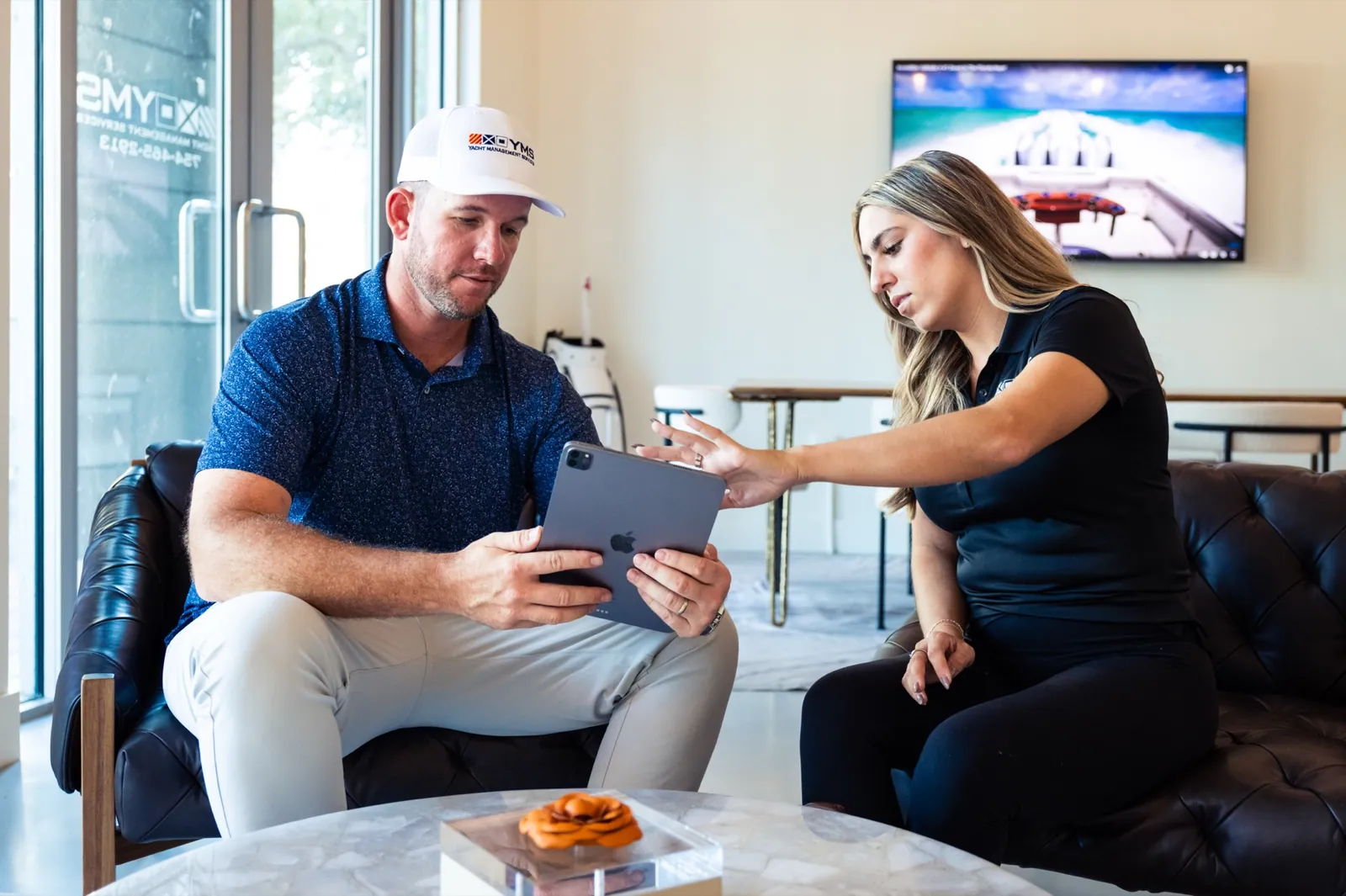
Four questions, and where each one is already answered.
Owners ask the same four things. The call still works and the number is at the top of this page, but none of these answers has to wait for one, because each was entered on the visit it came from.
- Did anyone go to the boat this week? The weekly checklist, with photographs of the exterior, the interior and the systems, filed under the date they were taken.
- How much fuel is in it? Tank levels for diesel, water, waste and gas, read and entered after every visit.
- When is the next service due? Service dates, color coded, with the notification raised two months ahead so there is time to book the slot you want.
- Where is the insurance certificate? Document storage, holding the certificate and its expiration date, with an alert before it lapses.
Five things it holds, and what each one is for.
Five is the whole list. It is short because it is the real one, and because every line of it is entered by somebody who was on your boat.
- Tank levels
- Diesel, water, waste and gas, read and entered by the crew who were just on the boat. Updated after every visit. You can see whether the boat needs fuel before you plan the weekend, and so can the coordinator who would otherwise have to send somebody down to look.
- A weekly photo checklist
- A custom checklist covering exterior, interior, systems and hours, with photographs uploaded every week and archived. The photographs are the part owners end up keeping. They are dated, they accumulate, and they become the record of how the vessel was kept when the day comes to sell it.
- Service due notifications
- Color coded against the date and raised two months ahead of it, with plenty of lead time to book the slot you want. Two months is the difference between booking the yard slot you want and taking the one that is left.
- Crew requests
- Ask for a captain, a steward or a deckhand from the same screen, and it lands with the coordinator who owns your boat. It is filled from the roughly two hundred captains and crew who already work with us, so a request for a Saturday captain is a scheduling question rather than a hiring one.
- Document storage with expiry alerts
- Insurance certificates, registrations, hurricane plans, system specs and USCG safety items, each held with its expiry date and an alert before it lapses. The alert comes before the date, not after it.
Everything above is set in this site’s own type. It describes what the app holds, and if you want to see the actual screens, ask on the call and we will walk you through a live vessel record.
Somebody was on the boat.
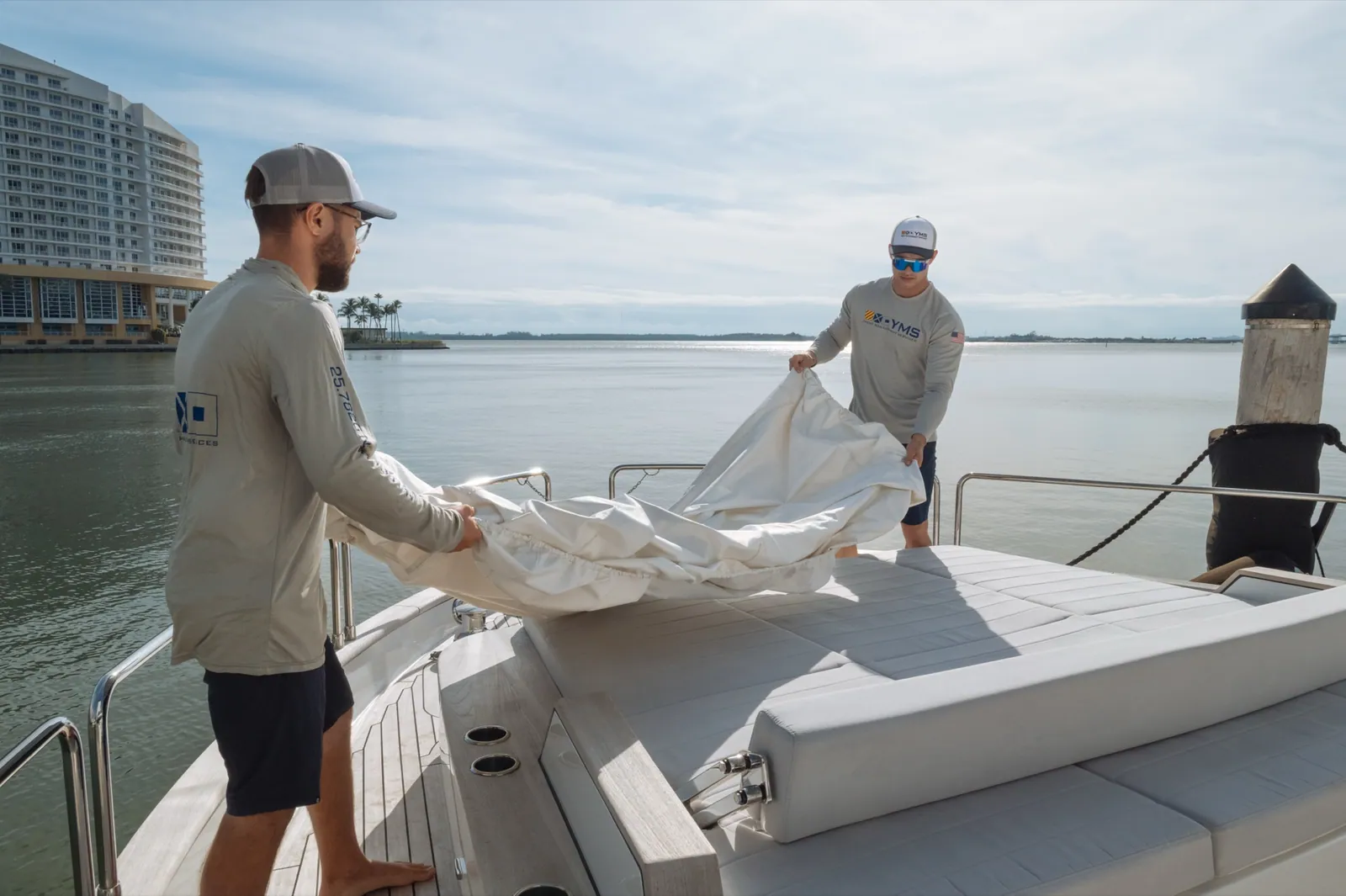
The YMS team enters the information. If a reading is in the app, a person took it. Crews update tank levels, checklists and photographs on the visit. Managers add the documents and the vessel specifications. Nothing is generated, and nothing is estimated. The owner is never asked to keep the record current.
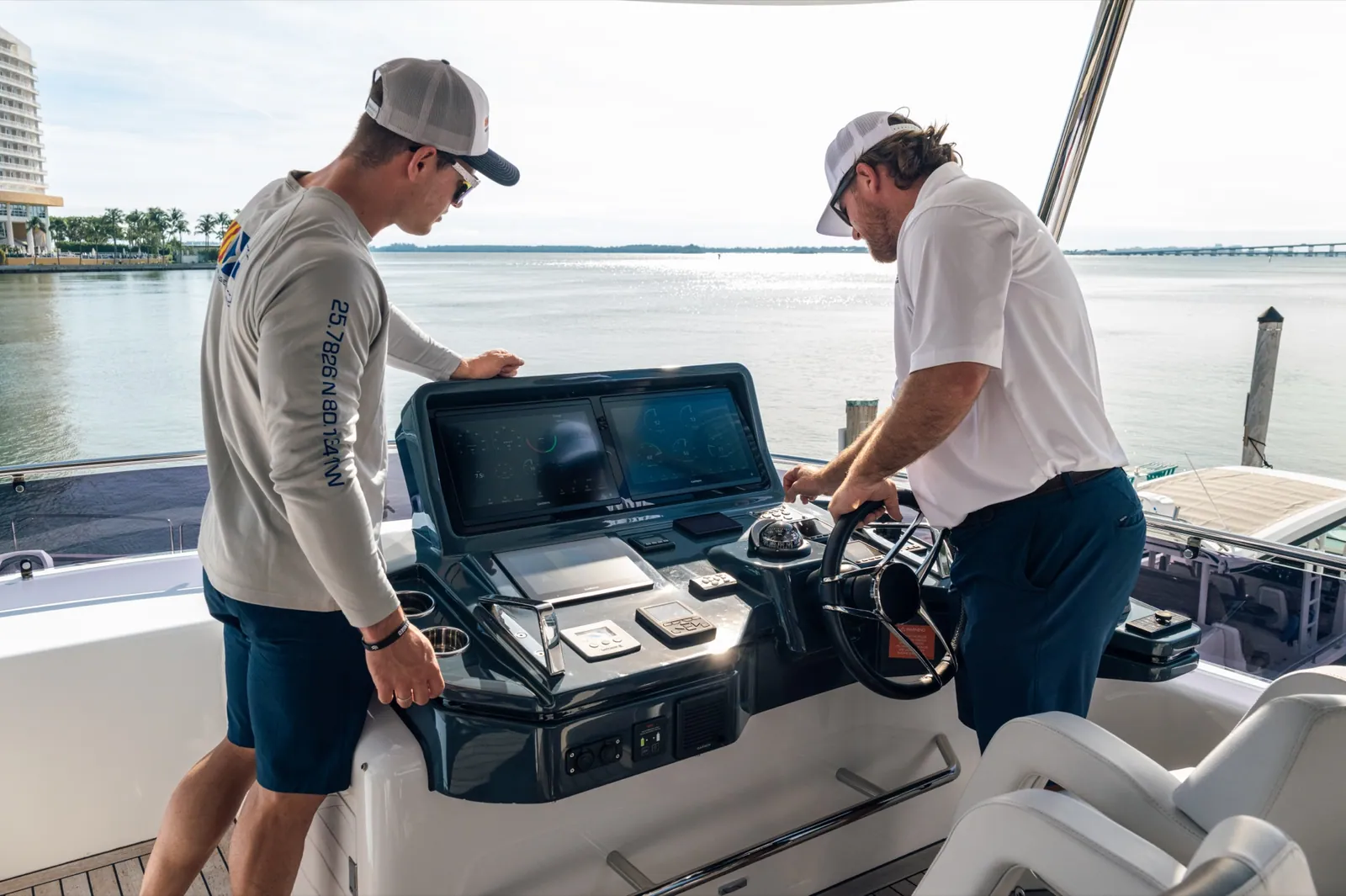
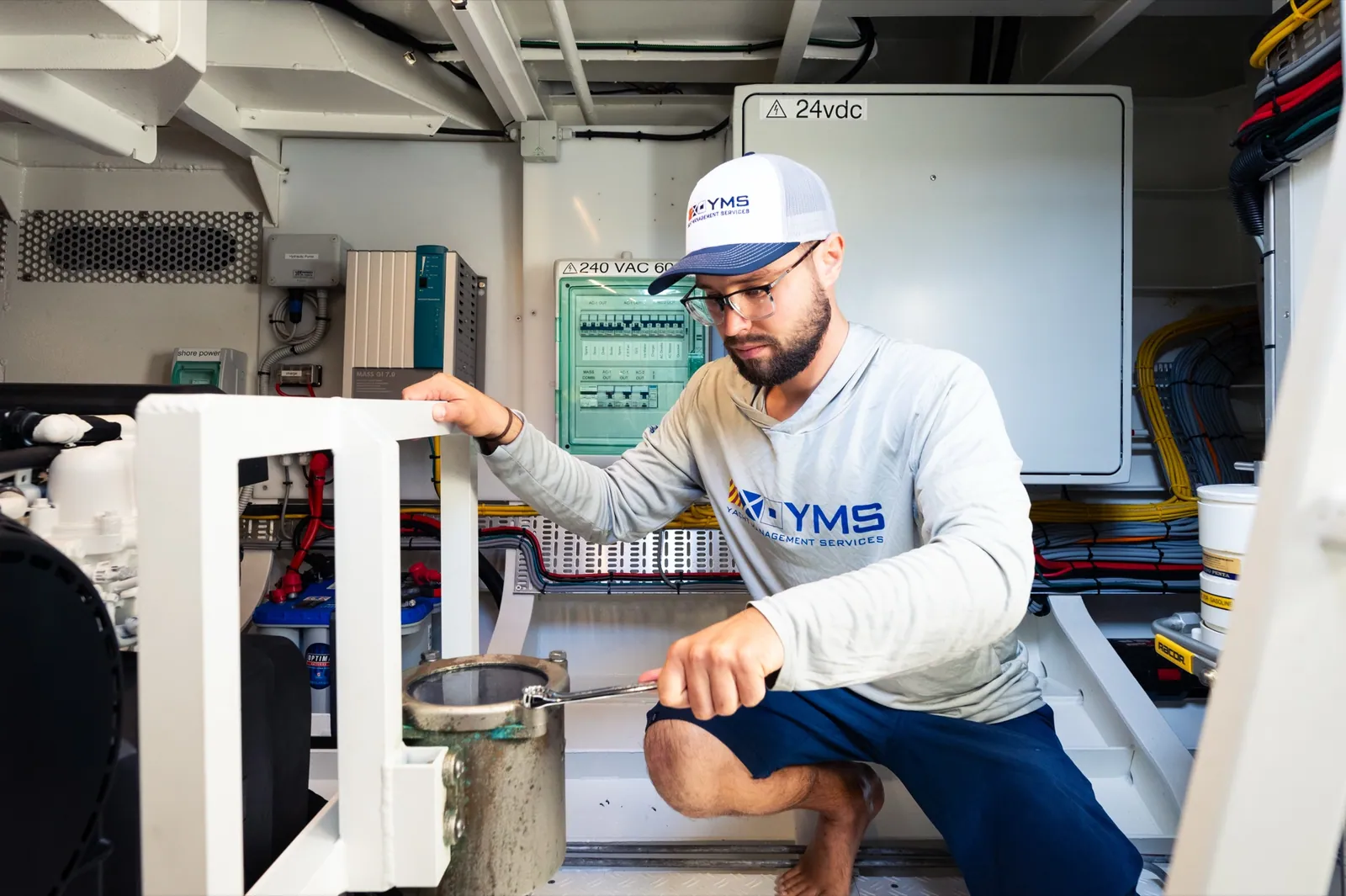
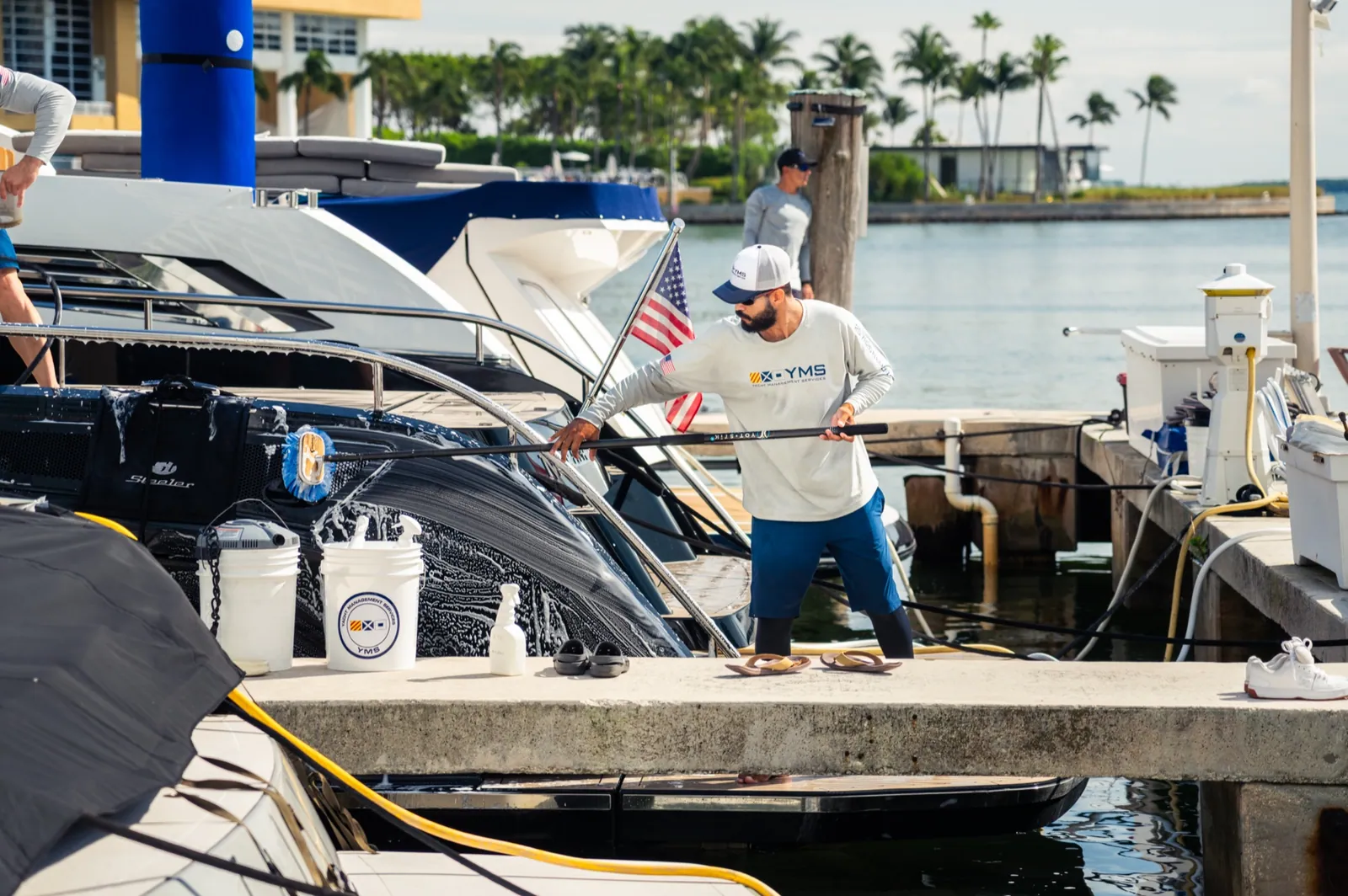

Ask for a captain from the screen you checked the fuel on.
The crew and make ready section takes two kinds of request: people, and readiness. It lands with the coordinator who owns your vessel rather than a general inbox, and the crew side of it is filled from the roughly two hundred captains and crew already on our roster.
- A captain for a date
- A steward
- A deckhand
- The boat made ready for the day you arrive
Every paper the boat has, with the date it expires.
Documents sit with the vessel rather than in an email thread, and each one is held with its expiration date attached.
- Insurance certificates
- Vessel registrations
- Named storm and hurricane plans
- Vessel specifications
- System information
- USCG safety items
Two of those are the ones an owner gets asked for at the worst possible moment. Your insurer wants a current certificate and a named storm plan with a person’s name on it. Both live here, with their dates, and the alert is raised before the date passes.
What owners ask before they download it.
Who enters the information in Mariner Pro?
The YMS team. Our crews update tank levels, checklists and photographs on the visit, and managers add documents and vessel specifications. Owners are not asked to keep the record up to date.
How do I request crew through the app?
From the crew and make ready section. You can request a captain, a steward or a deckhand, and the request goes to the coordinator who handles your vessel.
What can I store in the app?
Insurance certificates, registrations, vessel specifications, system information and USCG safety items, each held with its expiration tracked so the alert comes before the document lapses.
Is Mariner Pro included with a management program?
Yes. It is included with every management program and it is not sold on its own.
What devices does Mariner Pro run on?
It is published on the Apple App Store and on Google Play, so it runs on an iPhone or an Android phone.
The app comes with the program.
Mariner Pro is published on the Apple App Store and on Google Play. Access comes with your management program: it is included with every one of them and it is not sold on its own. If you want to see the screens before you decide anything, ask when you call, and we'll pull up a live vessel record.